LSL
LabStreamingLayer documentation
The lab streaming layer (LSL) is a system for the unified collection of measurement time series in research experiments that handles both the networking, time-synchronization, (near-) real-time access as well as optionally the centralized collection, viewing and disk recording of the data.
Key Features
6 Language Bindings ( Python, Matlab, C# and etc )
4 OS ( Windows, Mac, Linux, Android )
Rich 3rd Party Tools
Tools
Getting Started
Requirements: Windows10+(64bit) PC, an iPhone or Android device, download
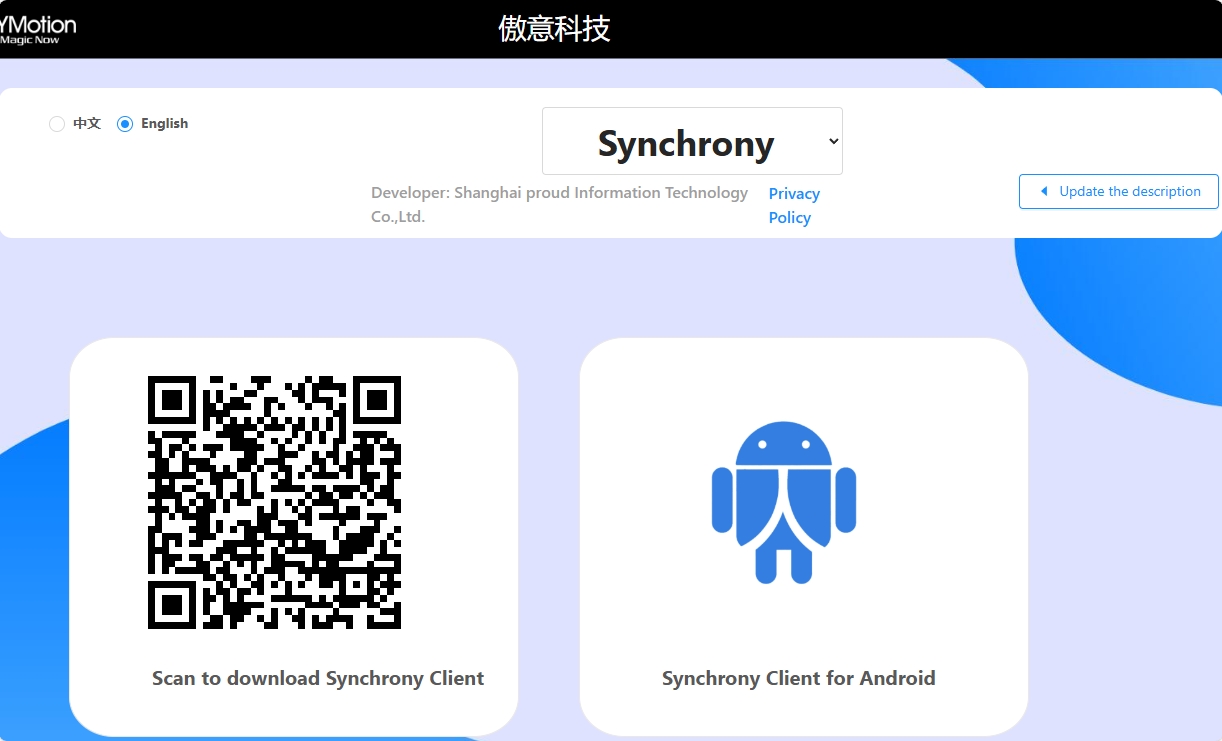
Open app and connect device.
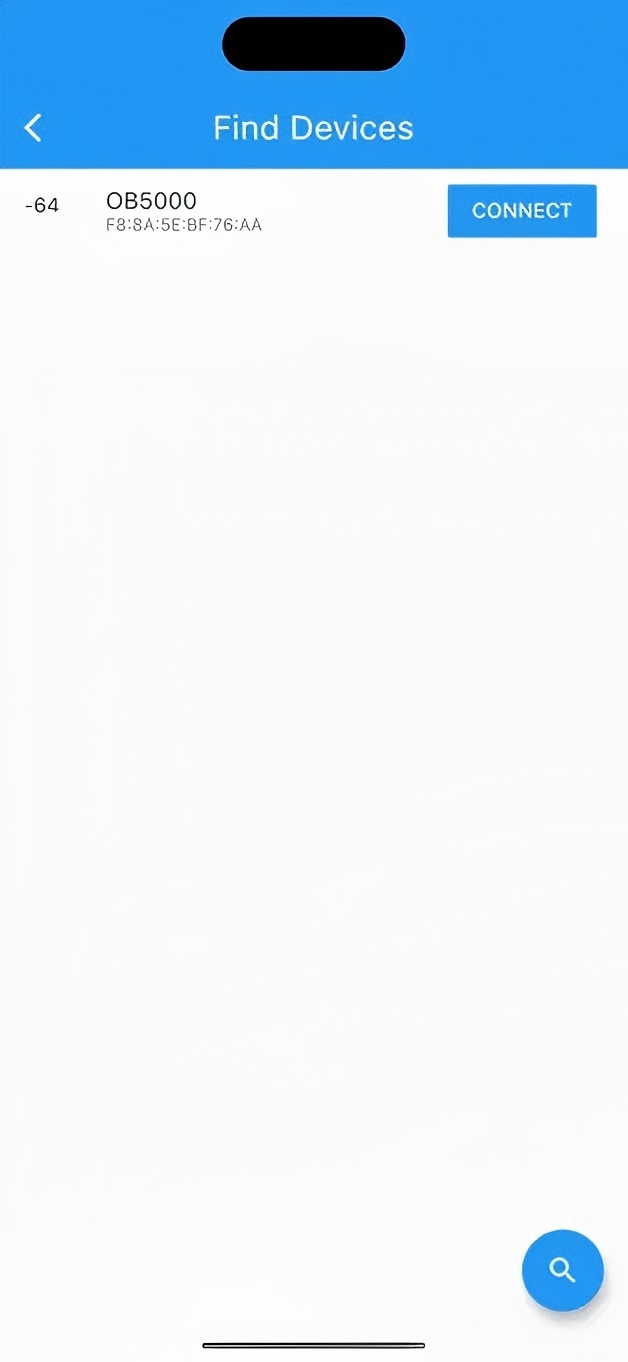
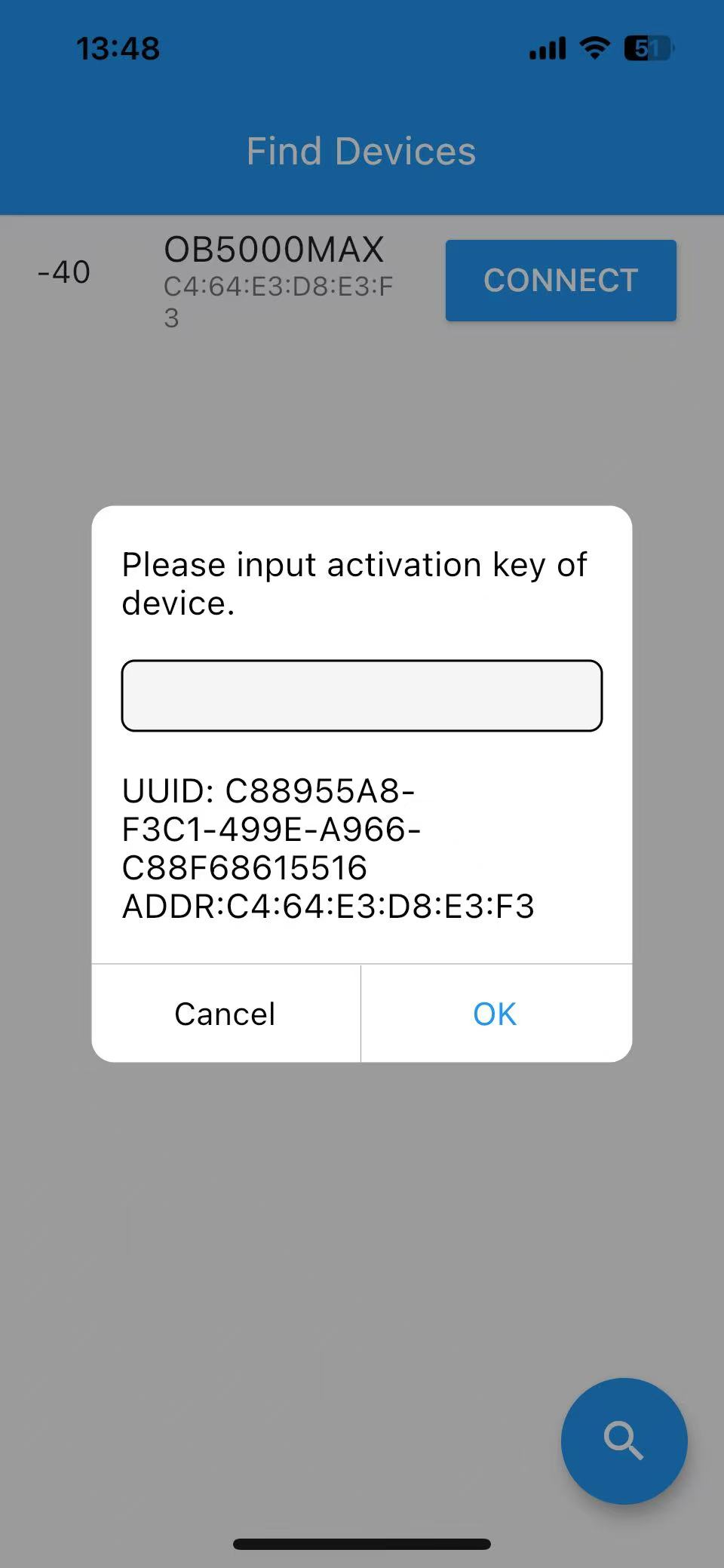
Please ask sales person for activation key.
Start OYM_BCI_Tools.exe, please allow network access in firewall.
If there is more than one IP address, please select the IP address in the same network as iPhone or Android device.
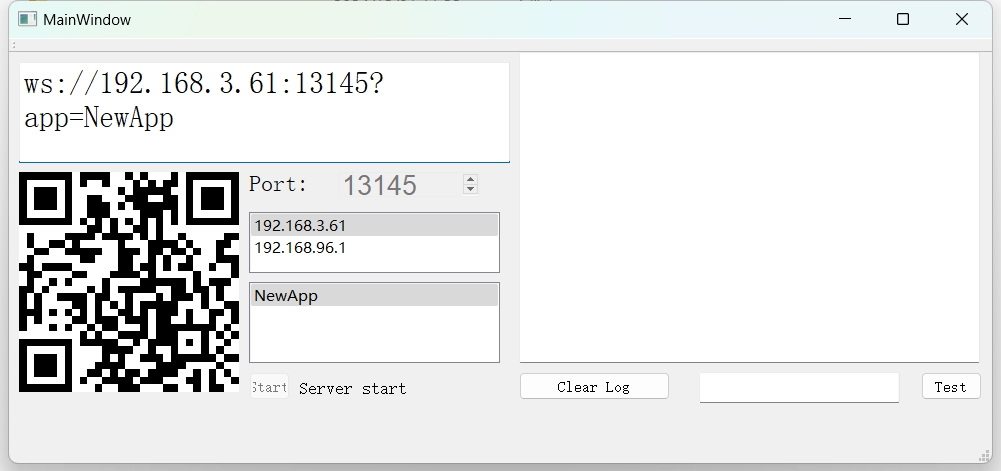
Make sure iPhone or Android device is connected to the same network as OYM_BCI_Tools.
Select Data Distribute(LSL), scan QRCode in OYM_BCI_Tools.
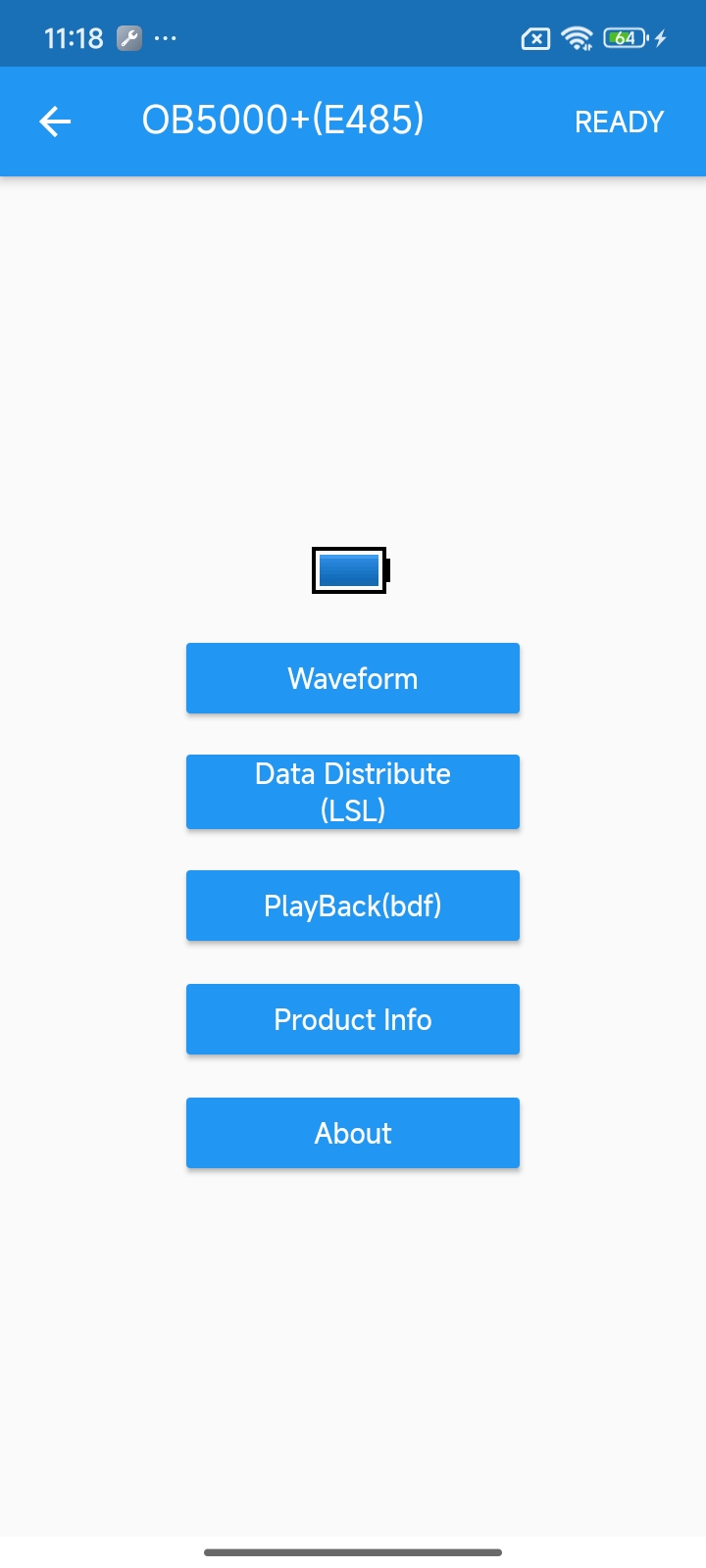
Press send button.
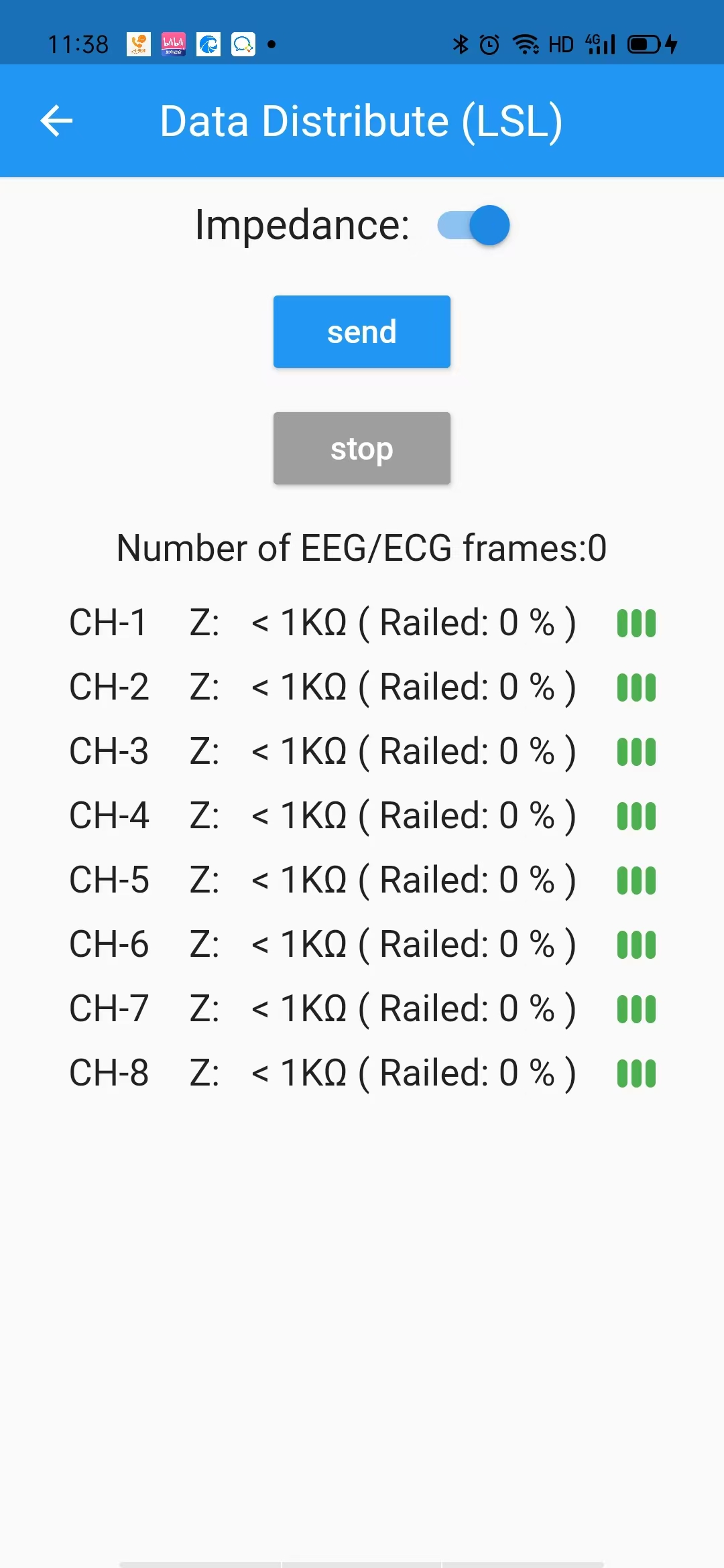
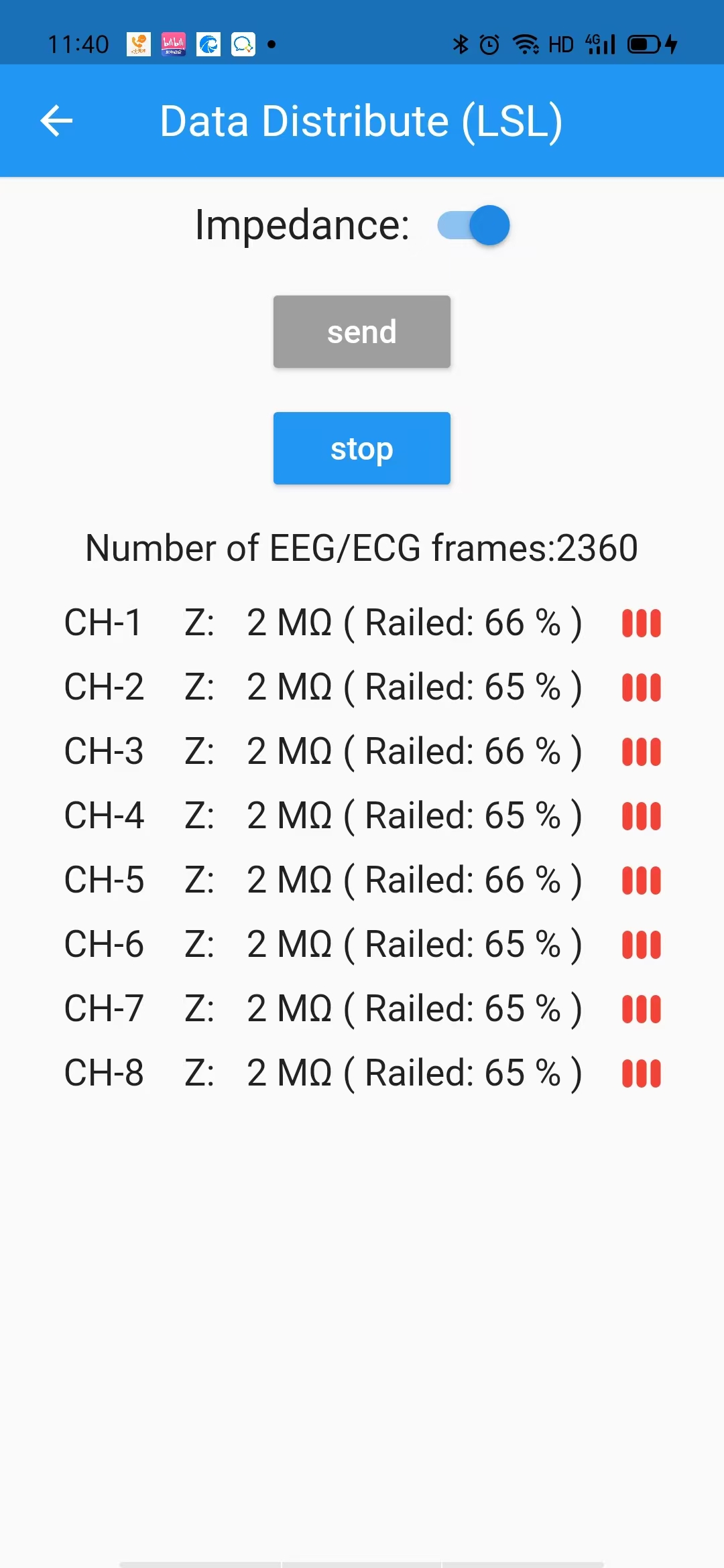
For best results, please decrease impledance of electrodes.(For example: Z value better less than 100k, Railed value better less than 30% )
Start BrainVision LSL Viewer, click Connect button.
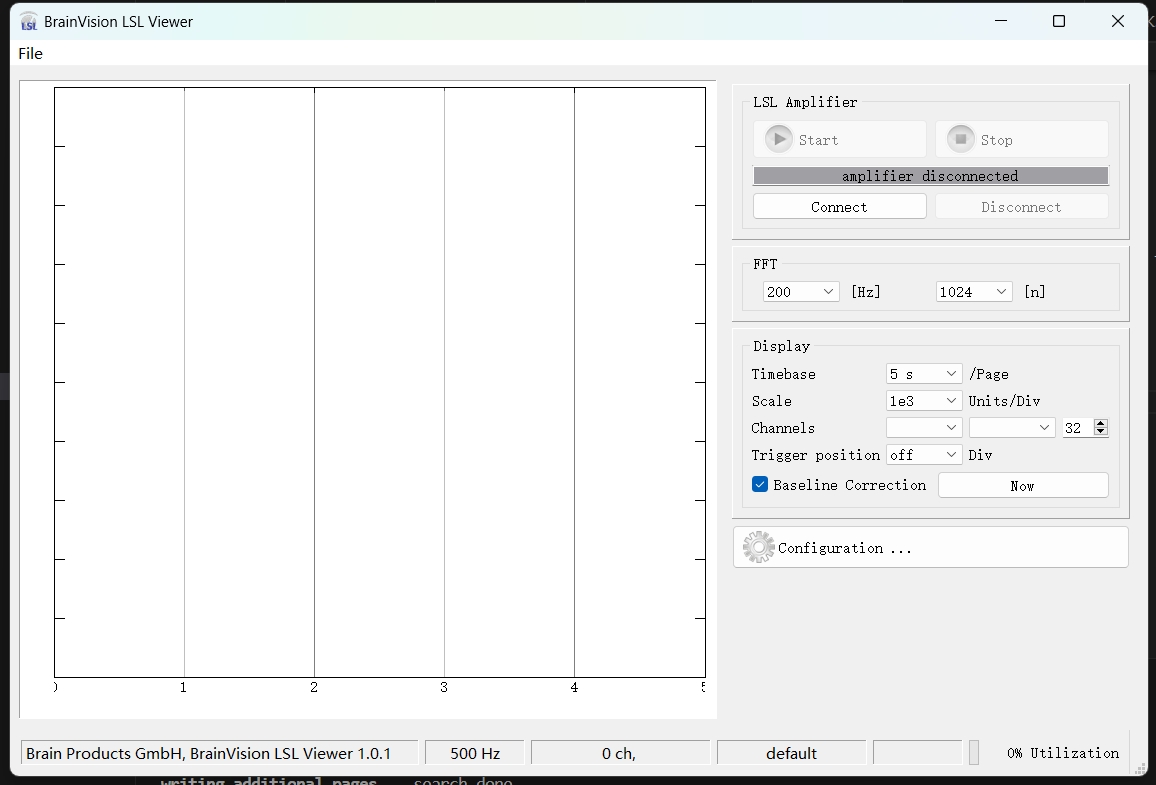
Select LSL stream.

Check how to deal with LSL stream
